A campaign in Personalization Studio is a time-bound personalization effort that delivers different content to different audiences on your website. Each campaign combines audiences, content spots, creative assets, and scheduling into a single deployable unit. All campaigns are stored under a single Parent Segment, which provides the profile data used for audience targeting.
From the Campaigns page in Personalization Studio, you can create new campaigns, edit existing campaigns to update audiences, content, or scheduling, and delete campaigns that are no longer needed. To create a new campaign, see Creating Campaigns.
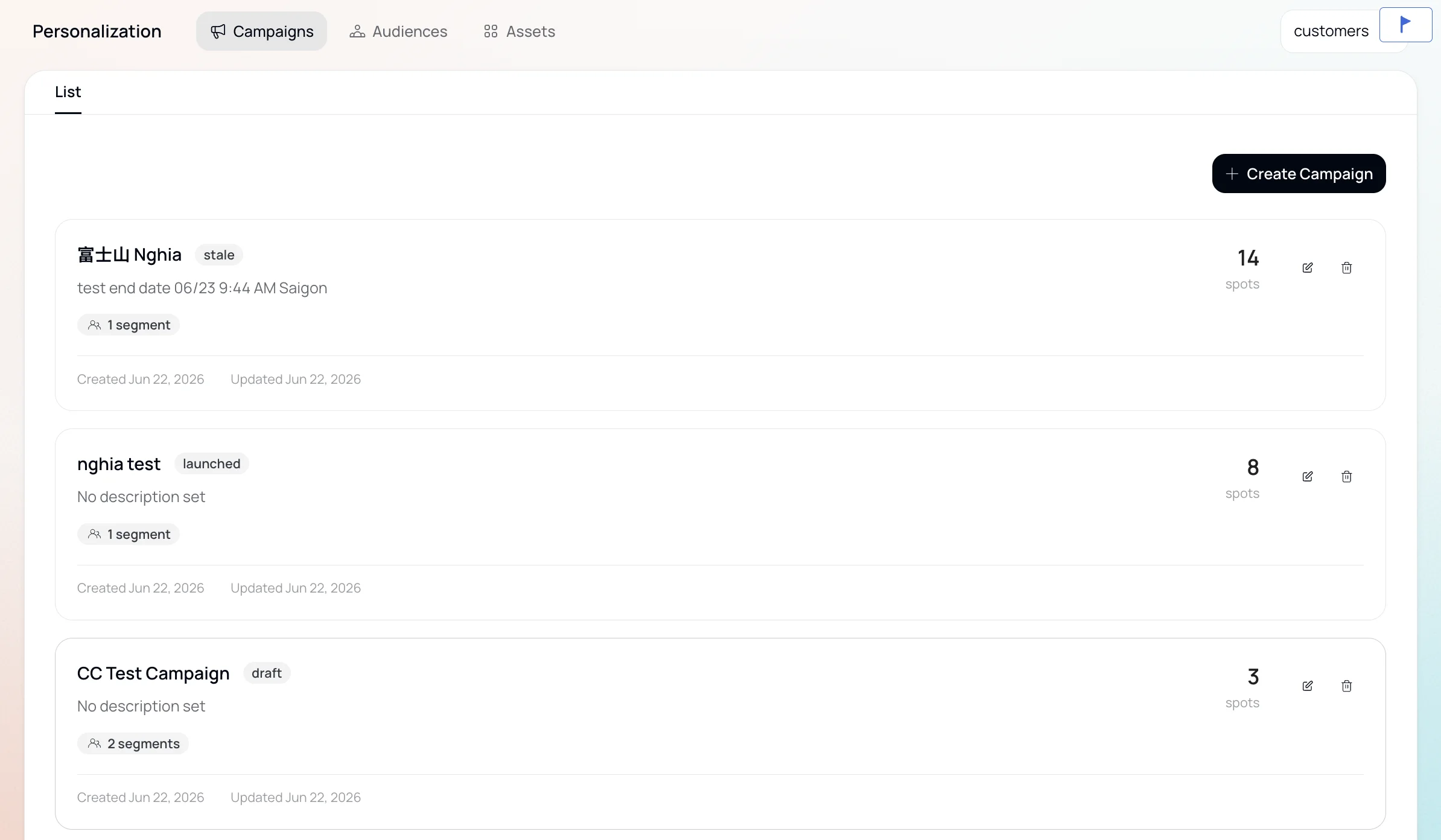
| Status | Meaning | Available Actions |
|---|---|---|
| Draft | Campaign created but not yet launched. | Edit, Delete, Launch |
| Active | Campaign is live and delivering personalized content. | Edit, Monitor reporting |
| Stale | Campaign configuration has changed after it was launched. | Edit, Delete, Launch |
When two active campaigns target the same content spot, the most recently updated campaign takes priority. A formal campaign prioritization feature is planned for a future release.