Access to Personalization Studio is managed through Policy-Based Permissions (PBP) in the Control Panel.
| Role | Access |
|---|---|
| Full Access | Full CRUD access — create, edit, delete, and launch campaigns. Manage audiences, pages, and content spots. |
| None | No access to Personalization Studio. The user cannot see or interact with any features. |
- Navigate to Control Panel > Policies.
- Select the policy you want to edit.
- Under the Personalization Studio section, set the permission level for each role.
- Grant Full Access access to:
- Campaign creators (Digital Marketers)
- Web Developers who register pages and content spots
- Creative Marketers who design creative assets
- Set None for users who should not access Personalization Studio.
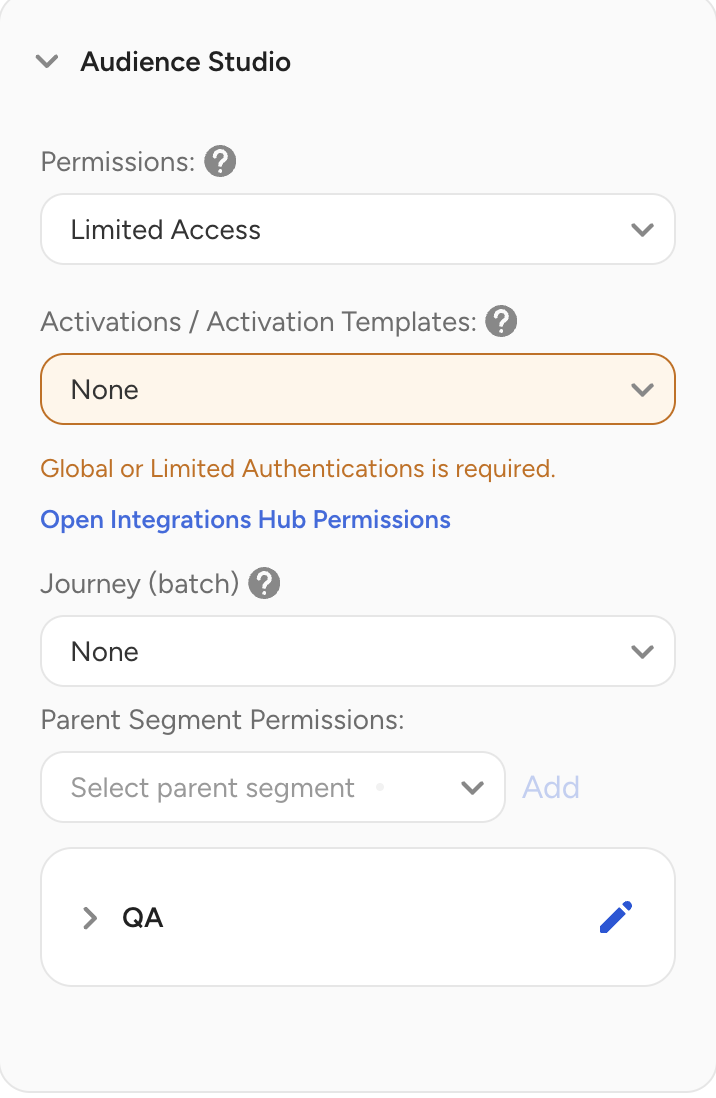
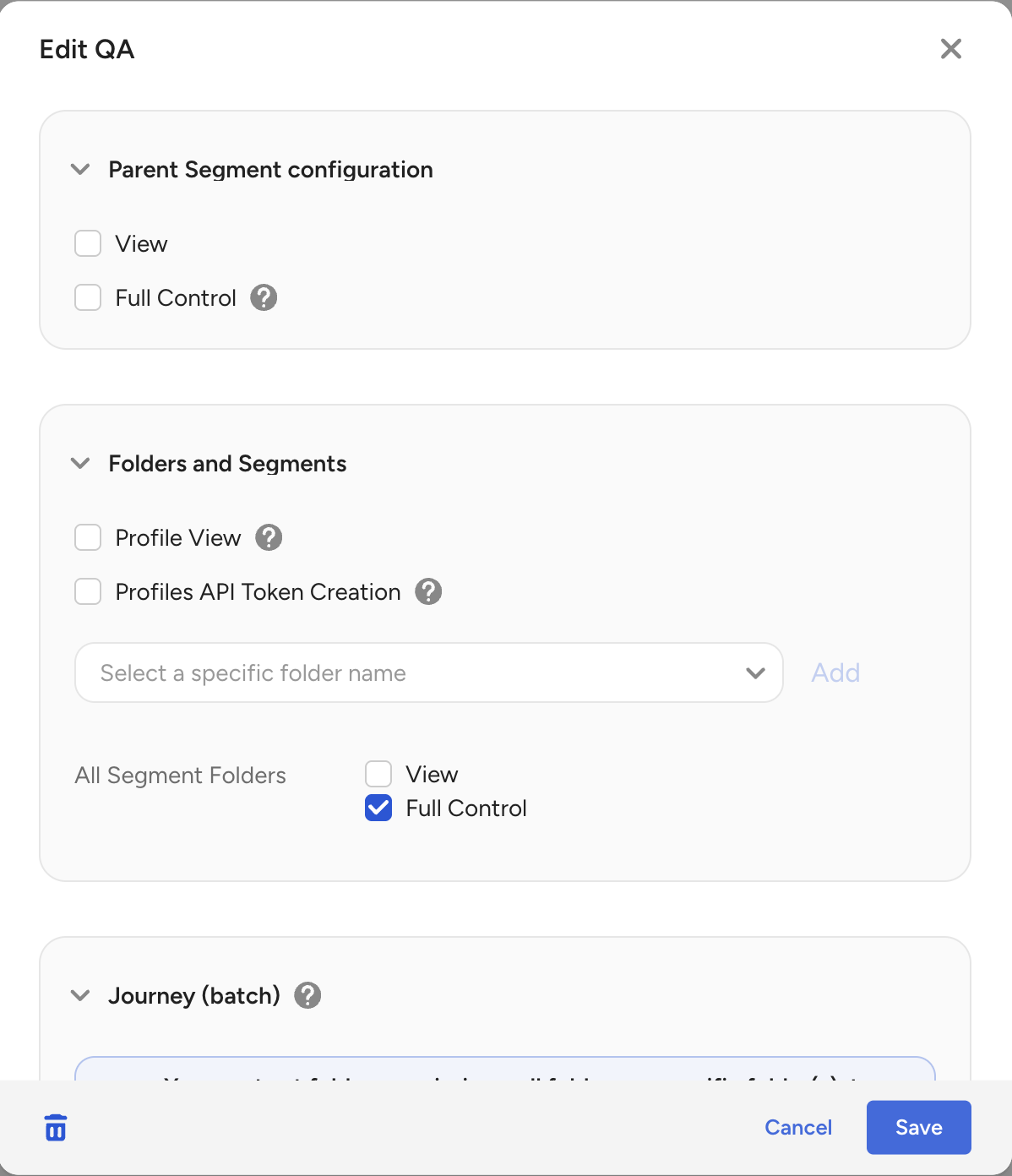
Marketers at minimum need the ability to view and edit the parent segment folder in otder to launch a campaign.
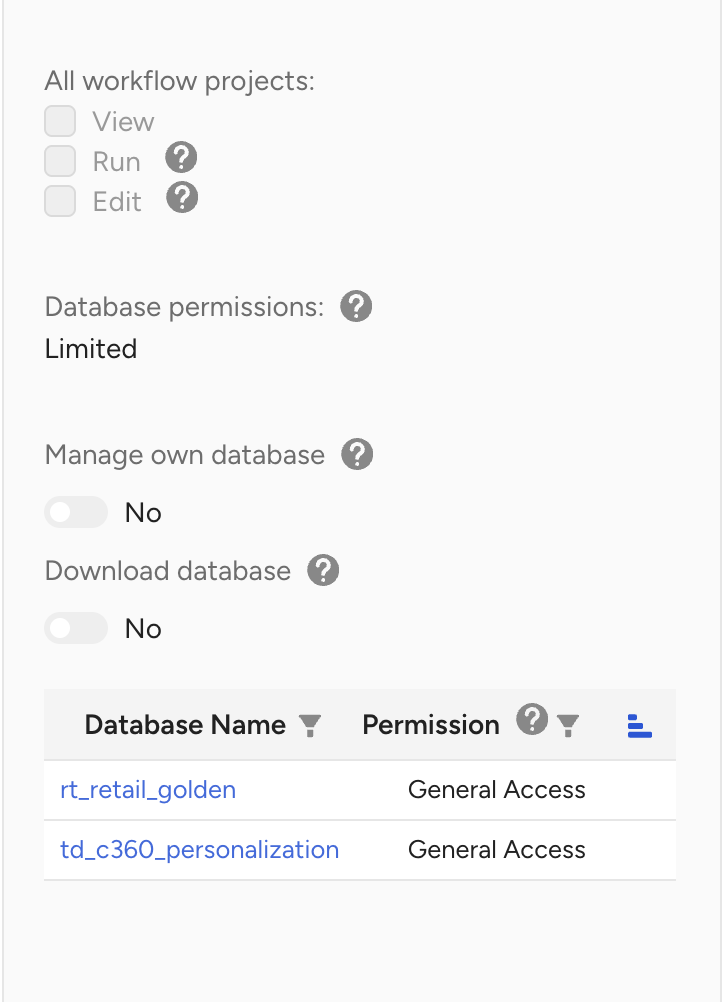
The TD Write-only key used on the to-be personalized website must also have 'General access' permission to:
- the database used for emitting events
td_c360_personalizationdatabase used to storeimpressionsandclicks. This database is created during the first campaign launch.
Note
Personalization Studio currently supports two permission levels: Full Access and None. More granular permissions (such as View Only and separating Launch from Edit) are planned for a future release.