This is a one-time setup performed by the first Enterprise Administrator. Treasure AI provisions your organization and sends you an invitation link to begin activation.
If the same person uses more than one email address, activate each email address in a different browser. If one of those accounts is the organization owner, complete this organization activation in a different browser from the one used for email activation. Do not use the same browser for these activations, because the relationship between the email address and organization may be set incorrectly.
Open the invitation link provided by Treasure AI.
To sign in with Google, tap Sign in with Google and authenticate with your Google Workspace account. Your account is activated automatically.
To sign in with an email address, enter your full name and a password, then tap Create Account.
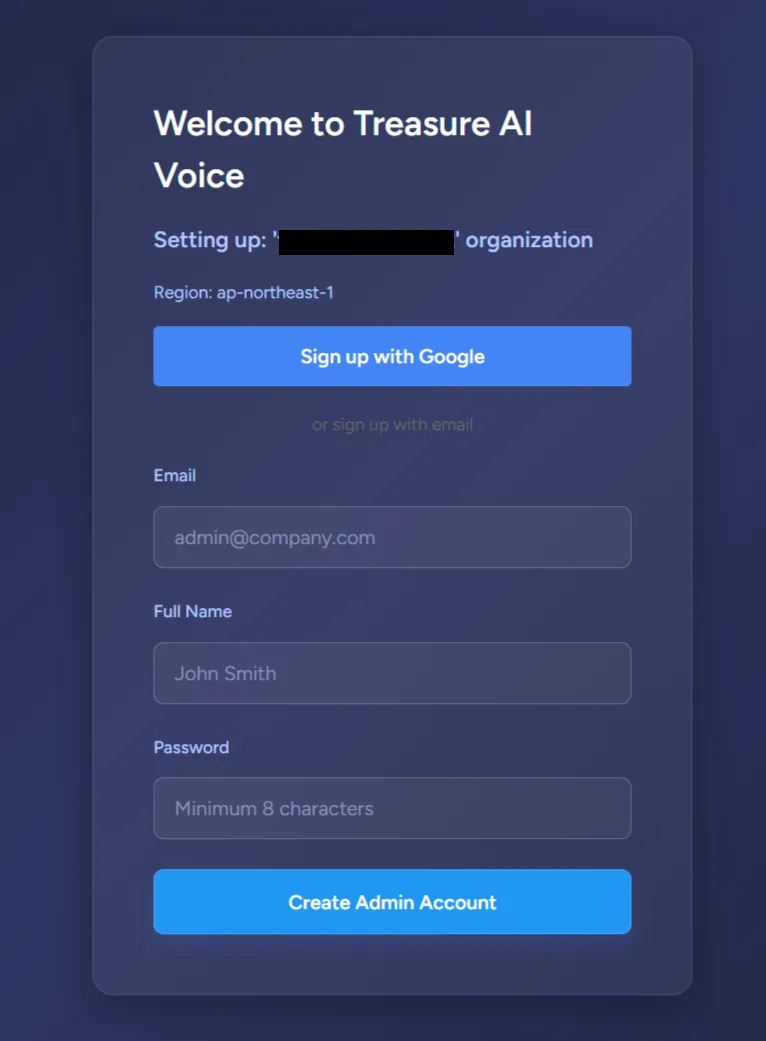 Note
NoteMost organizations use email and password sign-in for the initial admin account.
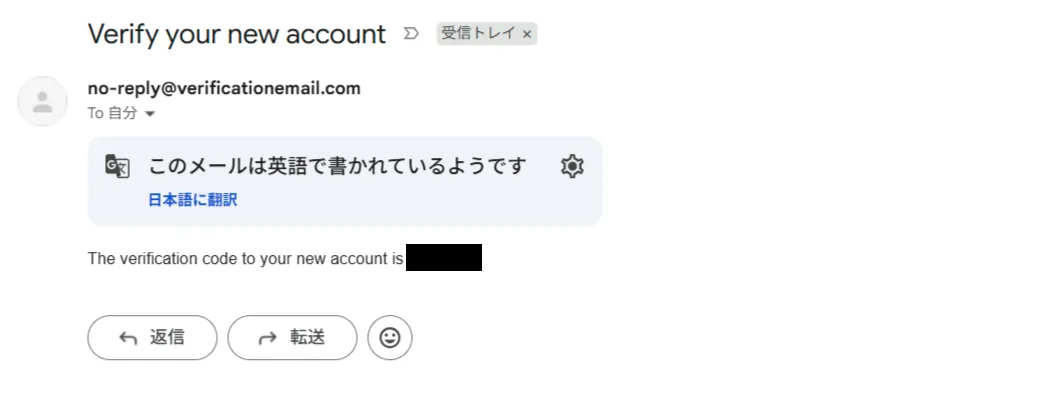
If you signed in with email, verify your email address:
- Check your inbox for a verification email (check spam if not found).
- Enter the verification code.
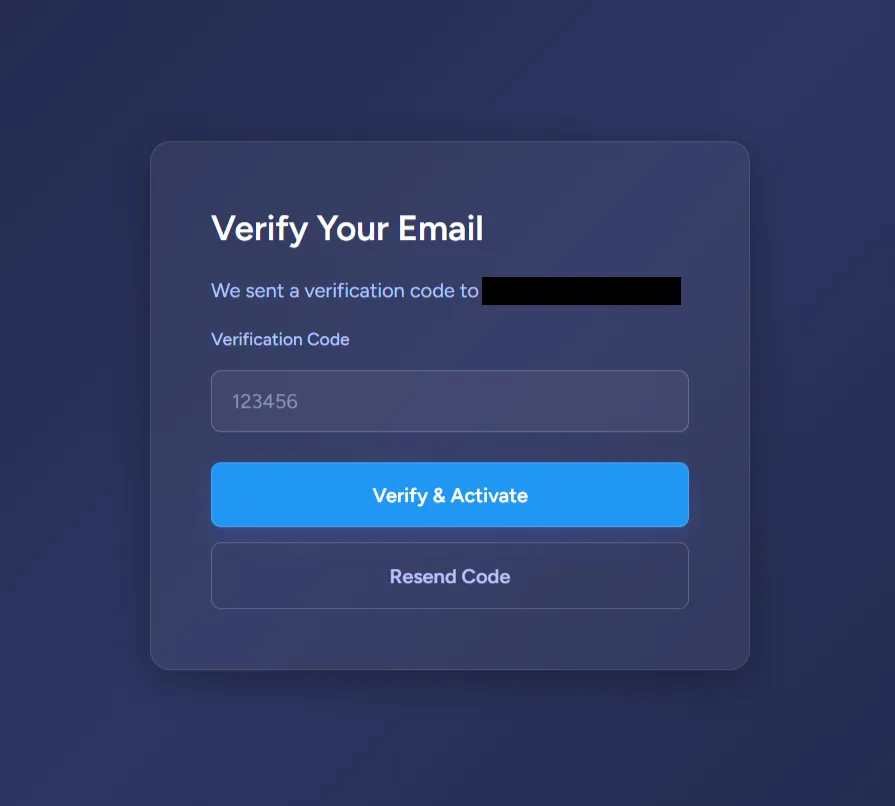
Once your account is verified, organization activation starts automatically.
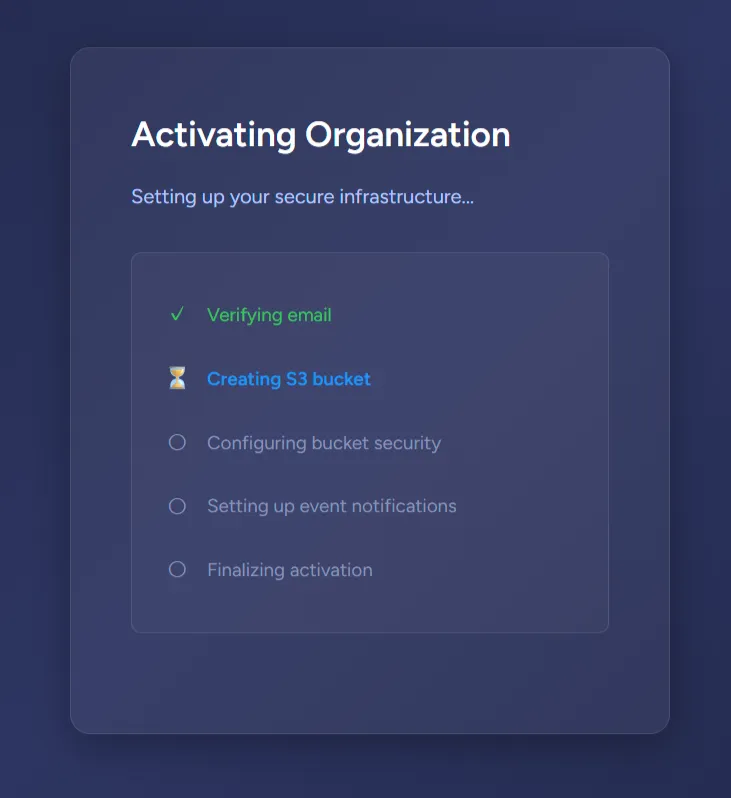
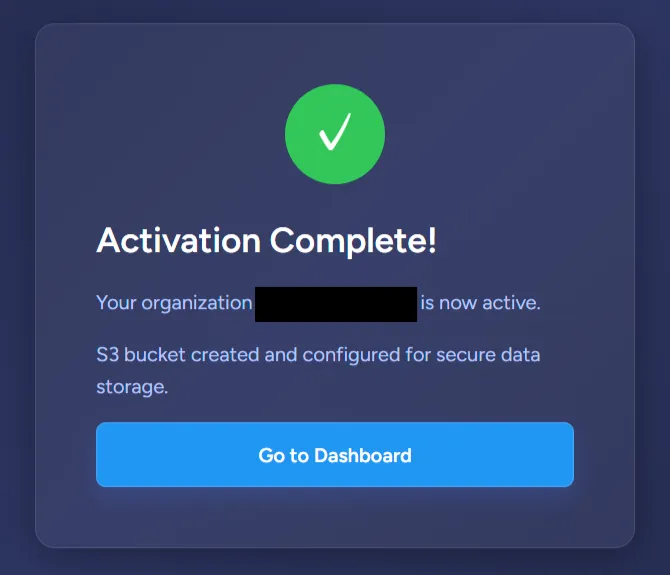
When activation completes, click Go to Dashboard.
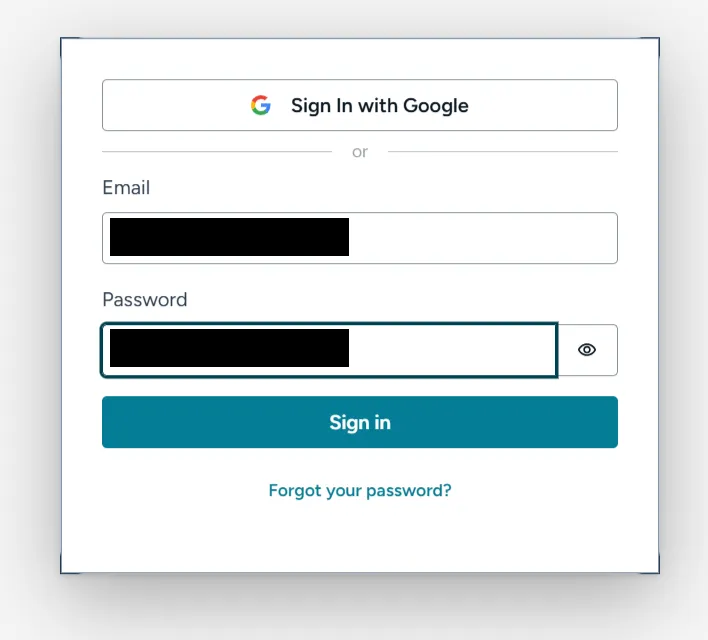
You are now on the Admin Dashboard login page. Sign in to begin managing your organization.
For next steps — inviting users, managing devices, and configuring security — see the Administrator Guide.
The invitation link has expired. Invitation links are valid for 24 hours. Contact your Treasure AI representative to request a new link.