When your administrator invites you to Treasure AI Voice, you receive an invitation link. If you sign in with Google, your account is activated automatically — no additional steps are required.
If you sign in with an email address, you must verify your email and set a password before you can use the app. Follow the steps below.
An email address can be used for only one Treasure AI Voice account. If the same person needs to use multiple accounts, each account must use a different email address. Activate each email address in a different browser. If one of those accounts is the organization owner, complete the organization activation afterward in a different browser as well. Do not use the same browser for these activations, because the relationship between the email address and organization may be set incorrectly.
Open the invitation link sent by your administrator.
On the sign-in screen, enter your full name and a password, then tap Create Account.
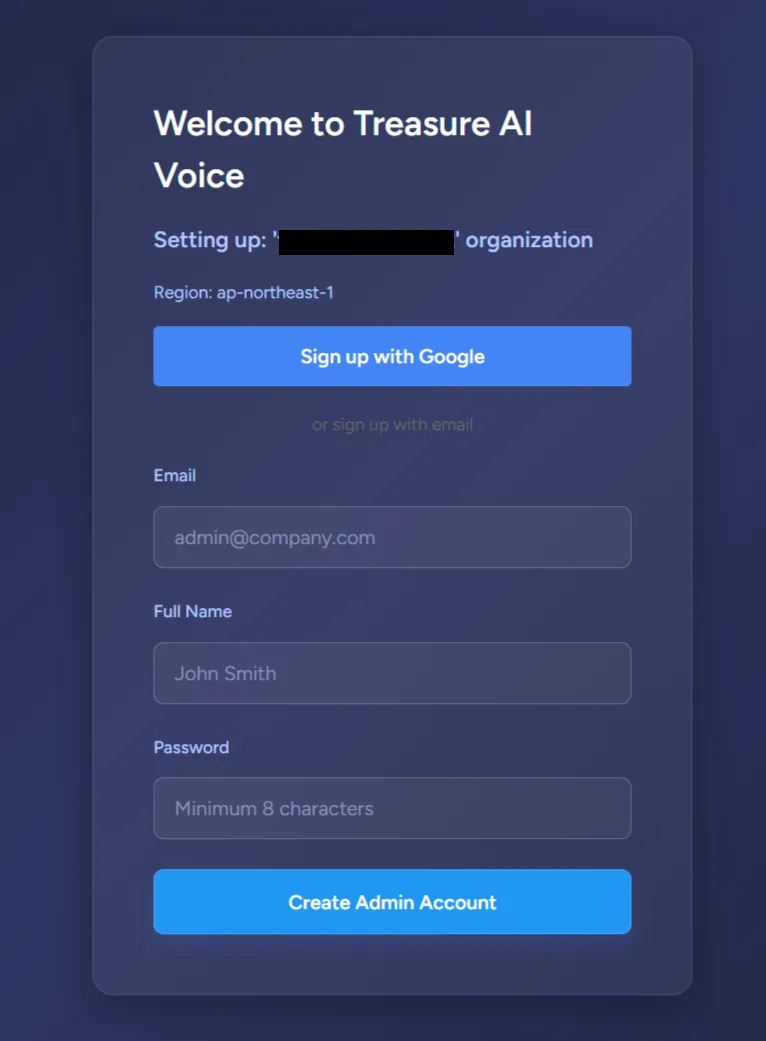 Password Requirements
Your password must meet all of the following requirements:
- At least 8 characters
- At least one uppercase letter (A–Z)
- At least one lowercase letter (a–z)
- At least one number (0–9)
- At least one symbol (e.g.
!,@,#,$)
Check your inbox for a verification email. If you do not see it, check your spam or junk folder.
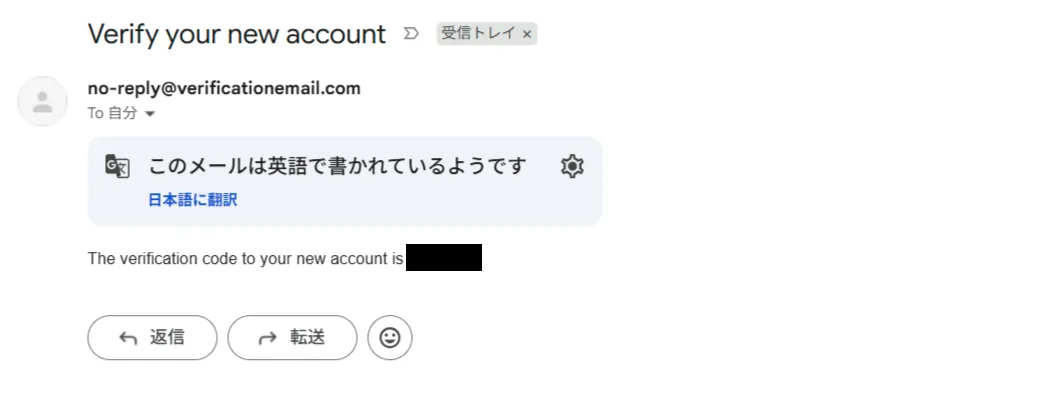
Enter the verification code to confirm your email address.
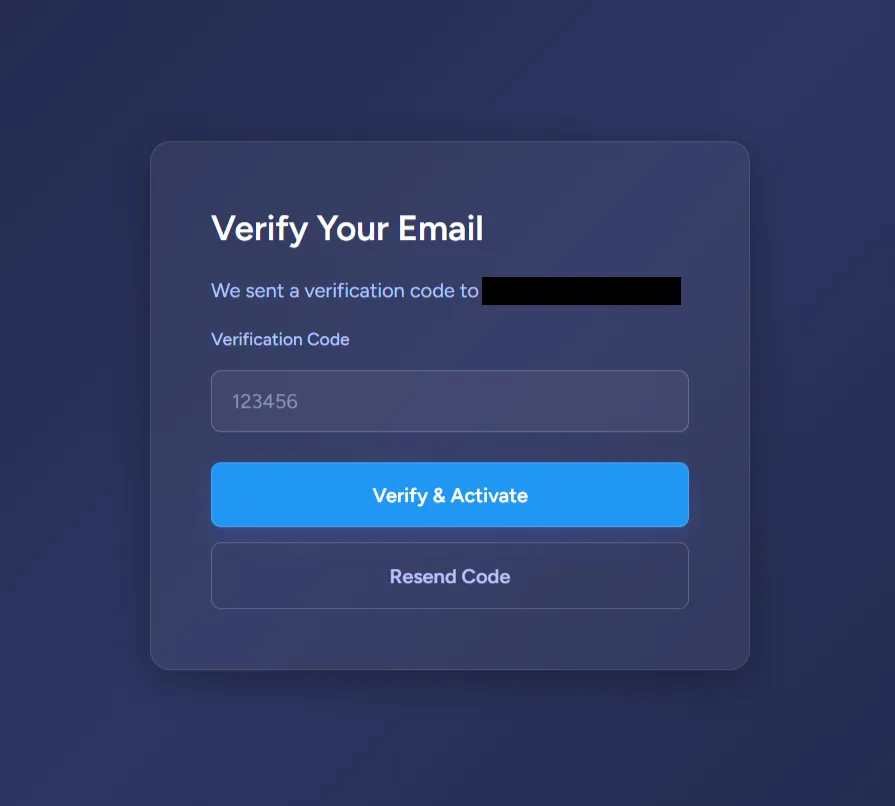
Your account is now active. Return to the app and sign in with your email and password.
The invitation link has expired. Invitation links sent to members are valid for 6 days. If your link has expired, contact your administrator to request a new one. (The one-time organization setup link sent to the first Enterprise Administrator expires sooner — see Organization Activation.)
I did not receive the verification email. Check your spam or junk folder. If the email is not there, contact your administrator to confirm the correct email address was used for the invitation.