End of Life
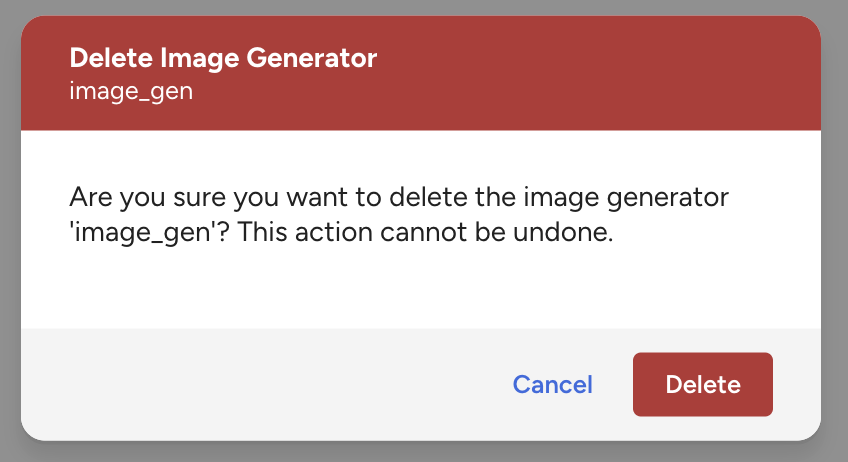
Because Nova Canvas has reached end of life, existing Image Generators no longer generate images. Delete any Image Generators you no longer need using the steps below.
Open Treasure Console.
Navigate to AI Agent Foundry.
Select a Project.
Select the Image Generator tab.
Click the 3-dots icon of the image generator to delete.

Click Delete image generator.

Click Delete button if it's OK.